Document Management
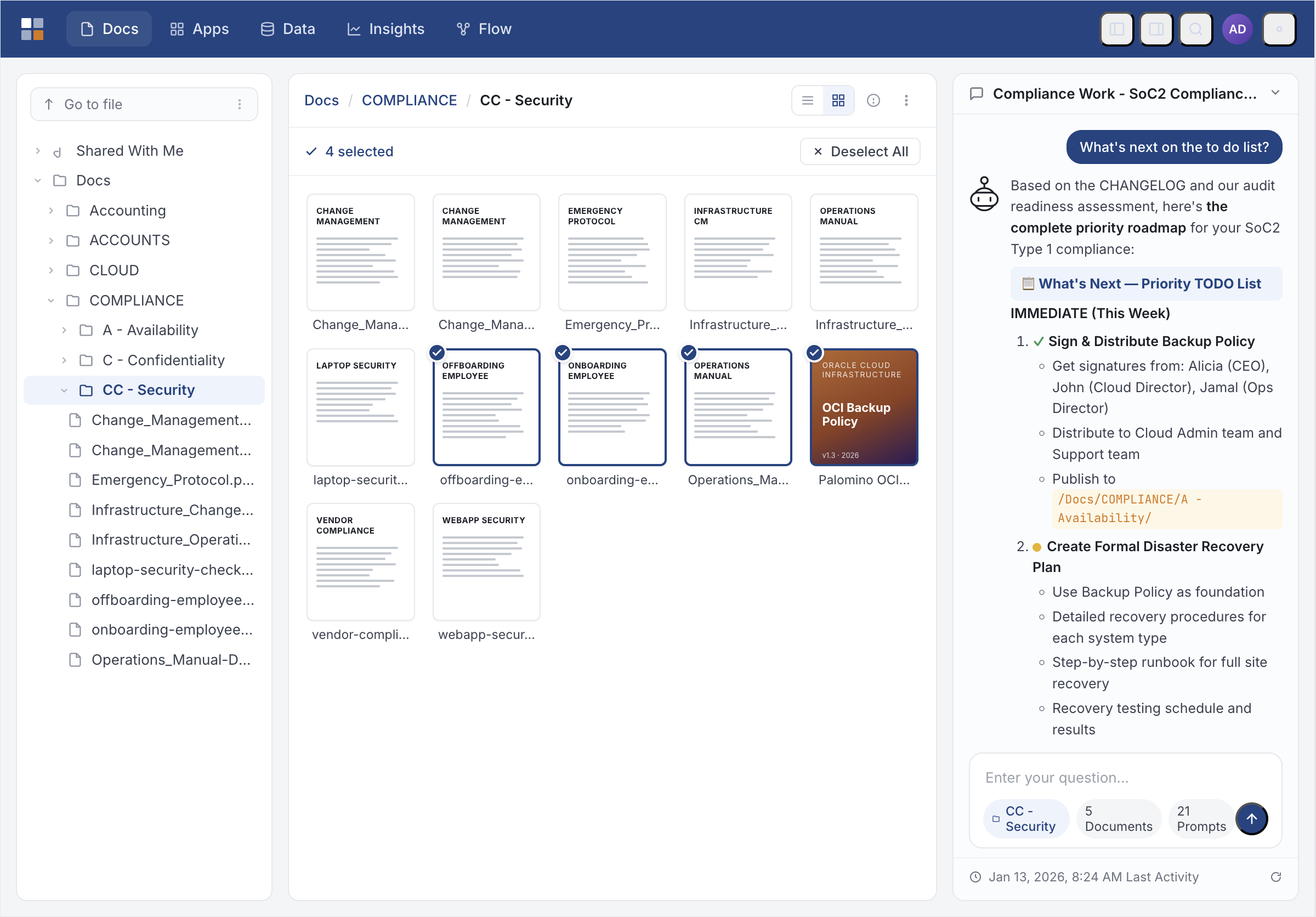
Organize, search, and collaborate on documents with confidence. From drag-and-drop upload to full version history, WebPal gives your team a single governed home for every file.
AI Writing Assistant
Get intelligent suggestions for content creation or generate complete drafts based on your requirements. The AI understands context and style to help you write better, faster.
Automatic Summarization
Transform long documents into concise summaries and key point lists automatically. Save time reviewing documents and quickly understand the essential information.
Auto-Categorization
Documents are automatically tagged and organized as they arrive. WebPal understands document types and content to categorize them intelligently without manual effort.
Secure Sharing & Permissions
Share documents and folders with users, groups, or external guests with fine-grained permission controls. The share dialog enforces your actual access level so you can never grant more than you hold.
Intelligent Text Extraction
Pull key information from documents automatically. Extract names, dates, amounts, and other critical data without manual copy-paste operations.
Digital Asset Management
Track which images, videos, and content are used where across all your documents. Manage reusable assets efficiently and maintain brand consistency.

 USE CASES
Document Management in Action
See how WebPal's document management transforms your workflow. From automatic organization to intelligent extraction, these capabilities save time and improve accuracy.
Document Templates
Create smart templates with dynamic content and conditional sections. Generate personalized documents at scale with data pulled automatically from your systems.
Version Control
Track changes to documents and templates with complete version history. Revert to previous versions when needed and see who made what changes.
Brand Compliance
Ensure all content follows your brand guidelines. Automatic checking for terminology, style, and formatting consistency across all documents.
Multi-Format Support
Work with documents in Word, PDF, HTML, Markdown, and more. Convert between formats seamlessly while preserving formatting and structure.
Document Management Features
Modern document management with advanced editing, version control, and seamless collaboration built into WebPal 4.
Ready to transform your document management?
See how WebPal's document management features can save time and improve accuracy across your organization.